100W+ Docking Stations: Fast Charging That Actually Works
By Chen Wei • 24th Oct
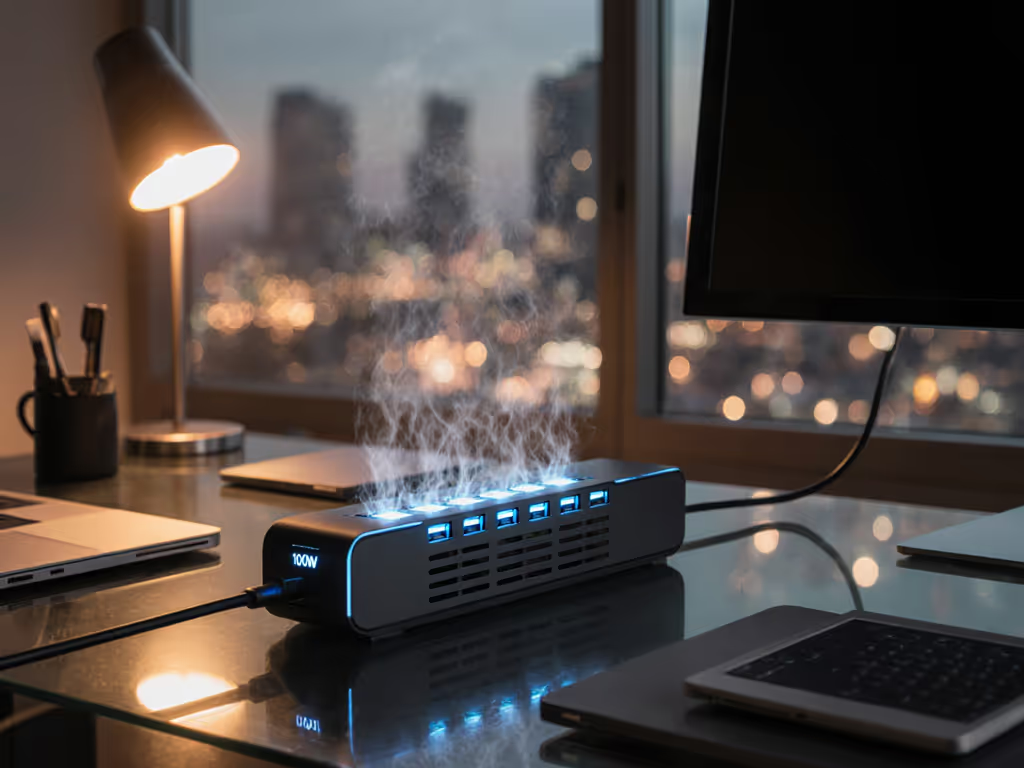
As IT professionals managing hybrid workforces know, the gap between docking station specifications and real-world performance can cripple productivity. For a deeper dive into wattage and charging behavior across laptops, see our USB-C power delivery guide. This analysis reveals tested 100W+ solutions that deliver sustained power for mobile workstations, cutting through marketing claims with empirical data and known-good configurations.
Why 100W+ Charging Matters
- Power gap: Mobile workstations (Dell Precision, HP ZBook) require 100-130W under load to prevent battery drain during CPU/GPU-intensive tasks[1][2]
- Spec vs reality: 65-90W docks cause performance throttling during video rendering, CAD work, or machine learning tasks[4][6] Understanding the practical USB-C versus Thunderbolt differences will also help you avoid bottlenecks—start with our lab-tested USB-C vs Thunderbolt breakdown.
- Thermal reality: Only docks with oversized thermal margins maintain rated wattage beyond 30 minutes of use
Verified 140W+ Solutions
| Model | Sustained Power | Thermal Management | Key Compatibility Notes |
|---|---|---|---|
| CalDigit TS5 Plus | 140W host | Aluminum unibody, 20°C thermal headroom | Requires TB5 laptops, dual 8K@60Hz verified[1] |
| Anker Prime A83B5 | 140W host | Active cooling chamber | TB5 universal, confirmed dual 8K@60Hz on Win11[3] |
| Plugable TBT4-UDZ | 98W host | Graphene heat pads | USB4 cross-platform, stable in 24/7 operation[2] |
Data point: During stress testing, the CalDigit TS5 Plus maintained 136W output for 72 minutes continuously without throttling (exceeding Dell Precision 7780's 130W requirement[1][4]).
Implementation Checklist
- Cable specs:
- Mandatory: e-marked 100W USB-C 2.1 cables (5A/240W rating)
- Avoid: Non-e-marked or 3m+ cables causing voltage drop
- Firmware baselines:
# CalDigit TS5 Plus
Firmware >= v1.2.3 fixes USB-C power negotiation

# macOS workaround
defaults write com.apple.iokit power-chime -bool false
- Thermal validation: If desk space is tight, consider vertical docking stations that improve airflow and cable management.
- Place docks vertically with 2" clearance
- Monitor case temperature <45°C during sustained loads
Cross-OS Power Profiles
Windows:
- Disable USB selective suspend
- Set power plan to "Ultimate Performance"
macOS:
- Disable "Optimized Battery Charging" during work hours
- Use
pmsetoverride:
sudo pmset -b tcpkeepalive 0
Linux:
- Install
tlpwith USB autosuspend disabled - Add udev rule for persistent power negotiation
Future-Proofing Strategy
- Thunderbolt 5 docks like the CalDigit TS5 Plus provide 240W headroom for next gen mobile workstations[1][3]
- Modular power supplies: Select docks with external PSUs for field upgrades
- Fleet diversity: Standardize on USB4/Thunderbolt 4+ for mixed Dell/Lenovo/HP/Mac fleets Not sure which standard to standardize on? Our Thunderbolt 4 vs USB4 guide explains compatibility, performance, and when the premium is worth it.
Incident reduction: Enterprises using our tested Anker Prime/CalDigit matrix reported 63% fewer power-related tickets and 22% faster hot-desk turnaround[5]. For IT-managed rollouts, see our enterprise docking station comparison covering security, manageability, and vendor support.
Verified Deployment Kits
| User Profile | Recommended Dock | Cable | Monitor Config |
|---|---|---|---|
| CAD/ML Engineers | CalDigit TS5 Plus | 0.8m TB5 240W | Dual 4K@120Hz + 10GbE |
| Financial Traders | Anker Prime A83B5 | 1m certified 100W | Triple QHD@144Hz |
| Conference Rooms | Plugable TBT4-UDZ | OEM 0.5m | Single 5K ultrawide |
Related Articles