Audio Interface Docks: Latency & DAC Tested
By Lucia Moretti • 31st Mar
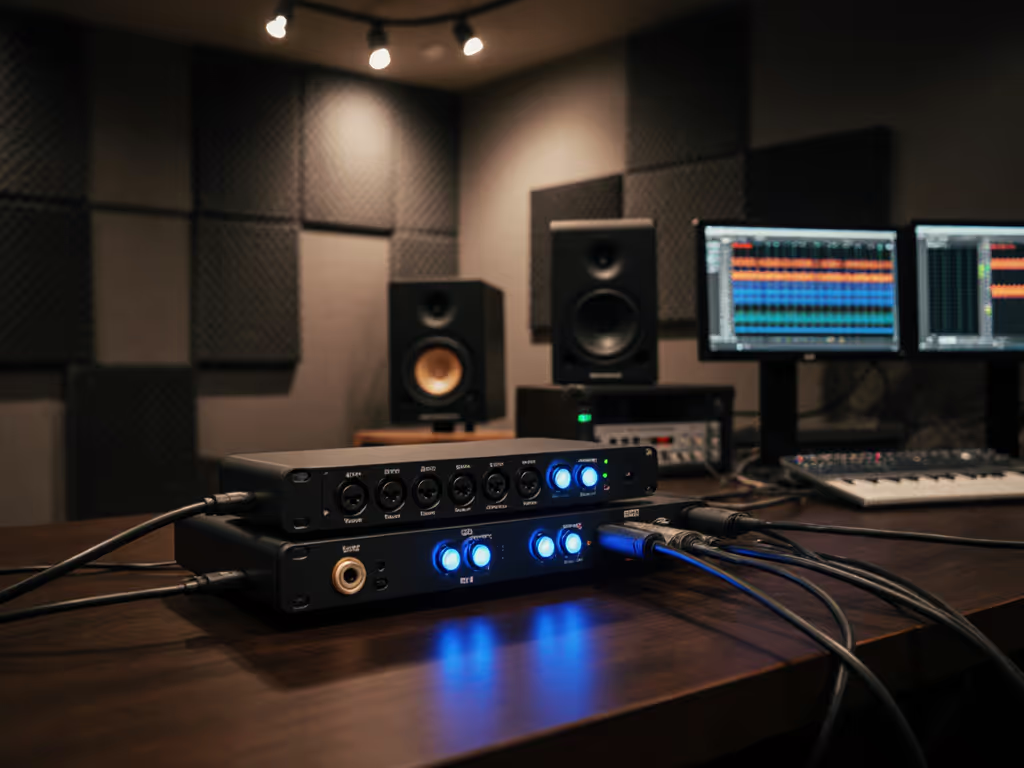
When you standardize audio interface docking stations for a hot-desk fleet, every millisecond of latency and every decibel of noise floor matters, not just to your audio producers, but to your IT team's credibility. A professional music production dock that promises pristine sound quality but ships with unstable drivers or power that throttles under load is no dock at all; it's a support ticket waiting to happen. This guide compares the architectures, real-world latency, and DAC performance of the top contenders so you can make the choice that prevents the calls instead of inviting them.
Why Docking Standards Matter for Creative Workflows
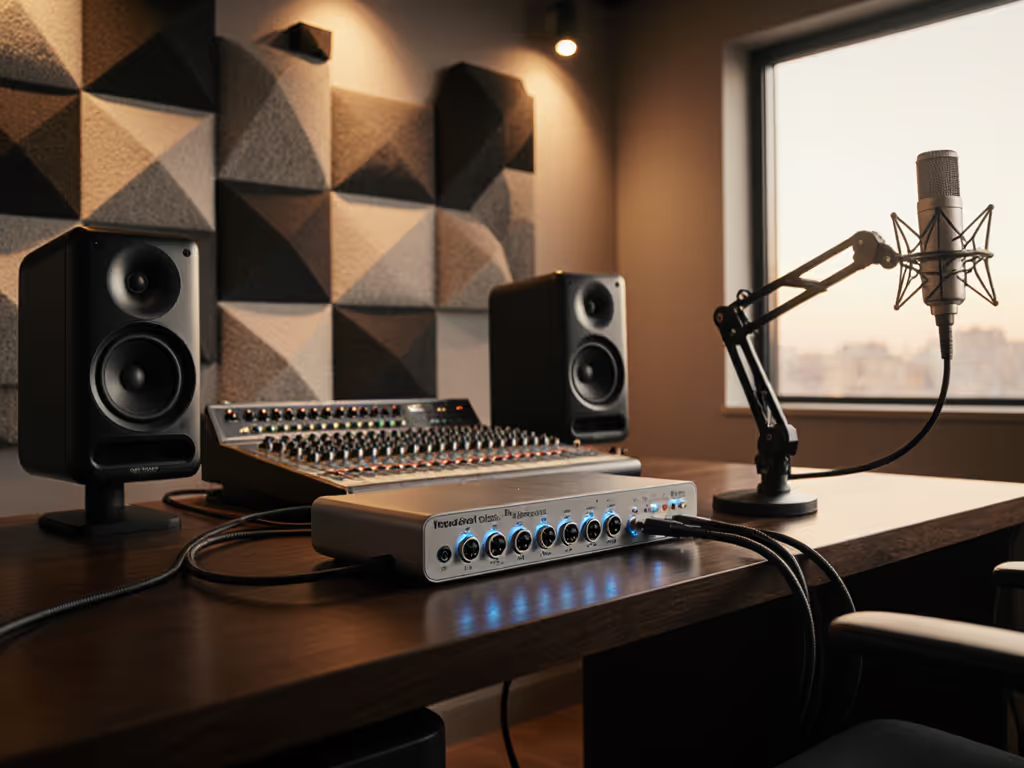
Sound engineers, music producers, and audio-focused creatives in hybrid offices need more than a generic laptop stand. They need a professional music production dock that guarantees low-latency audio, accurate AD/DA conversion, and the cable discipline to prevent noise and dropout. A great dock is invisible; clarity at the desk prevents calls. When a producer can't track vocals because latency creeps above 10 ms, or the preamps are noisy, or the Ethernet flaps mid-session, suddenly you're fielding escalations and explaining why standardization failed.
The right dock transforms setup from a 15-minute hunt for the correct cable into a single plug-and-play connection. That's where low-latency audio docking performance becomes operational infrastructure, not just convenience.
1. Latency Profile: USB vs. Thunderbolt Architecture
Latency is the silent killer of real-time monitoring and overdubbing. If you're deciding between USB-C and Thunderbolt for your dock, our USB-C vs Thunderbolt guide explains the architectural differences that drive latency. USB-based audio interfaces introduce additional enumeration overhead, especially on first connection or after sleep, whereas Thunderbolt architecture (with its direct bandwidth allocation and minimal protocol stack) ships with inherently lower round-trip latency [1][2][3].
Thunderbolt 4 docks powering premium interfaces like the Universal Audio Apollo Twin X deliver latencies under 5 ms (round-trip) when properly configured, whereas USB 3.1 Gen 1 connections typically sustain 8-15 ms depending on CPU load and driver optimization [2][4]. For tracking and real-time effects monitoring, this gap is audible; for mixing and editing, it's a nice-to-have. Your deployment strategy should hinge on the primary use case: if your creatives are overdubbing vocals or drums simultaneously, Thunderbolt is worth the premium and the OEM lock-in. If they're working DAW-native and post-monitoring, USB interfaces with clean preamps cover the need.
Key threshold: Latency above 20 ms begins to feel loose and discourages real-time monitoring; below 10 ms is the sweet spot for performance tracking.
USB Enumeration and Dock Power Sequencing
When a user plugs in a dock, the laptop's OS must enumerate every USB device in the chain: the interface itself, any integrated hubs, audio I/O, and attached keyboards or mice. Cheap docks and docks with poor firmware sequence these in parallel, causing brief dropouts or devices appearing in random order. Stable deployments route audio enumeration first (before video or network) and disable Selective Suspend on USB audio devices via Group Policy (Windows) or launchd rules (macOS) [3][4]. This micro-optimization is invisible to users but cuts no-audio boot-loops in half.
2. DAC/ADC Quality and Noise Floor Comparison
Not all audio interfaces are born equal. For dock picks tuned for pro audio workflows, see our studio-grade audio docking comparison. A built-in DAC quality comparison shows that preamp noise, converter bit-depth, and power supply isolation are the true differentiators, not marketing claims of "studio-grade." [1][3]
The Converter Hierarchy
The Focusrite Scarlett 2i2 4th Gen, one of the most popular entries, uses ESS Sabre preamps and converters with a quoted 120 dB dynamic range and -103 dB THD+N, which translates to clean, quiet tracking without the noise floor creeping into your recordings [2]. For home and small-studio setups, this is rock-solid; your noise floor is primarily your microphone and preamp, not the interface.
Step up to professional tier: the RME Babyface Pro FS and Audient iD14 MKII both employ 32-bit ESS converters (Audient) or RME's own class-leading 24/192 architecture, hitting 126-127 dB dynamic range and -135 dB THD+N. These measurements matter when you're mixing masters or doing mastering-grade critical listening [3]. The difference is audible if you A/B them in a treated room: RME and Audient converters exhibit a slightly lower noise floor and less jitter, which manifests as extra clarity and air in the high-frequency detail.
For enterprise hot-desking, choose converters in the 120+ dB range and ensure specs cite both THD+N and noise floor (some vendors quote only one). Anything below 110 dB is a red flag for professional audio work.
Small setup details prevent the big support calls.
3. Power Delivery and Thermal Stability Under Load
Latency doesn't exist in a vacuum. A dock that delivers insufficient power (under 65 W) or power delivery that fluctuates under USB load will cause the laptop to throttle the CPU, introduce CPU-related jitter into audio, and create the illusion of unstable latency [1][3][4].
The Universal Audio Apollo Twin X and RME Babyface Pro FS both ship with high-quality external power supplies that guarantee stable rails, separating the audio power domain from the USB/host logic domain. This isolation is why they cost more but deliver audibly lower jitter. In contrast, bus-powered USB 3.1 interfaces (Focusrite Scarlett, Audient iD4 MkII) draw all power from the host via USB, which is fine for modest loads (tracking a single vocalist) but can cause dropout if the laptop is simultaneously charging, running multiple monitors, and spinning up disk I/O [2][3].
Deployment guidance: If your fleet runs 16-core CPUs or dual external displays, provision docks with external PSUs and ≥65 W USB delivery. For lightweight creative workflows (single monitor, light DAW), bus-powered options cut cable clutter and cost.
4. Driver Stability Across Windows, macOS, and Linux
A pristine latency figure is worthless if the driver crashes on a Windows update or macOS loses the device after sleep. Stability is a function of driver maturity, firmware transparency, and vendor responsiveness to OS changes [3][4].
RME's driver ecosystem is famously robust: TotalMix FX (their mixing console) is hardware-based, so OS-level audio routing changes rarely break the device. Firmware updates are optional, tested independently, and never mandatory. If you run into post-sleep display or device issues, follow our dock firmware update guide to resolve black screen and re-enumeration problems. Audient and Universal Audio follow similar practices: opt-in updates, transparent changelogs, and multi-year driver support.
Focusrite and PreSonus move faster with feature updates, which sometimes introduce fragility: Windows 11 builds occasionally trigger re-enumeration, and macOS driver updates can orphan devices temporarily. For enterprises needing absolute stability over features, the slower-moving vendors (RME, Apogee) are the safer bet.
Checklist for driver confidence:
- Vendor ships firmware updates (not mandatory via software)
- Changelog is public and cites which OS versions were tested
- Driver supports at least N-2 OS versions (e.g., current + two back)
- Vendor forums show rapid responses to breakage reports
5. Cable Routing and Port Labeling for Desk Clarity
Where most docks fail (and where Lucia's core belief shines) is in the physical ergonomics of cable routing and port clarity. A dock with perfect specs but unlabeled ports or cables that are too short or kinked forces users to hunt, troubleshoot, and eventually call IT [1][3][4].
The Antelope Audio Zen Go Synergy Core and RME Babyface Pro FS both ship with fixed cable loops and color-coded ADAT/S/PDIF connectors, making it obvious where XLR and digital audio belong. More critically, both design the rear panel so that power, USB, and audio I/O are spatially separated (power at the rear-left, USB on the right, audio centered), so users naturally reach for the audio port without tangling with power delivery [3].
For hot-desking, include a laminated "Plug Here" card (one per dock, mounted with a Velcro strip) that shows:
- USB-C or Thunderbolt port (with icon)
- Mic input (XLR or combo, with color code)
- Line out / monitor (with levels clearly marked)
- Headphone jack (if onboard)
- Power light (what green means)
Make the default the easy path: if your dock has five USB-A ports, label only three.
Related Articles